MCP: The USB-C Port Your AI Has Been Waiting For

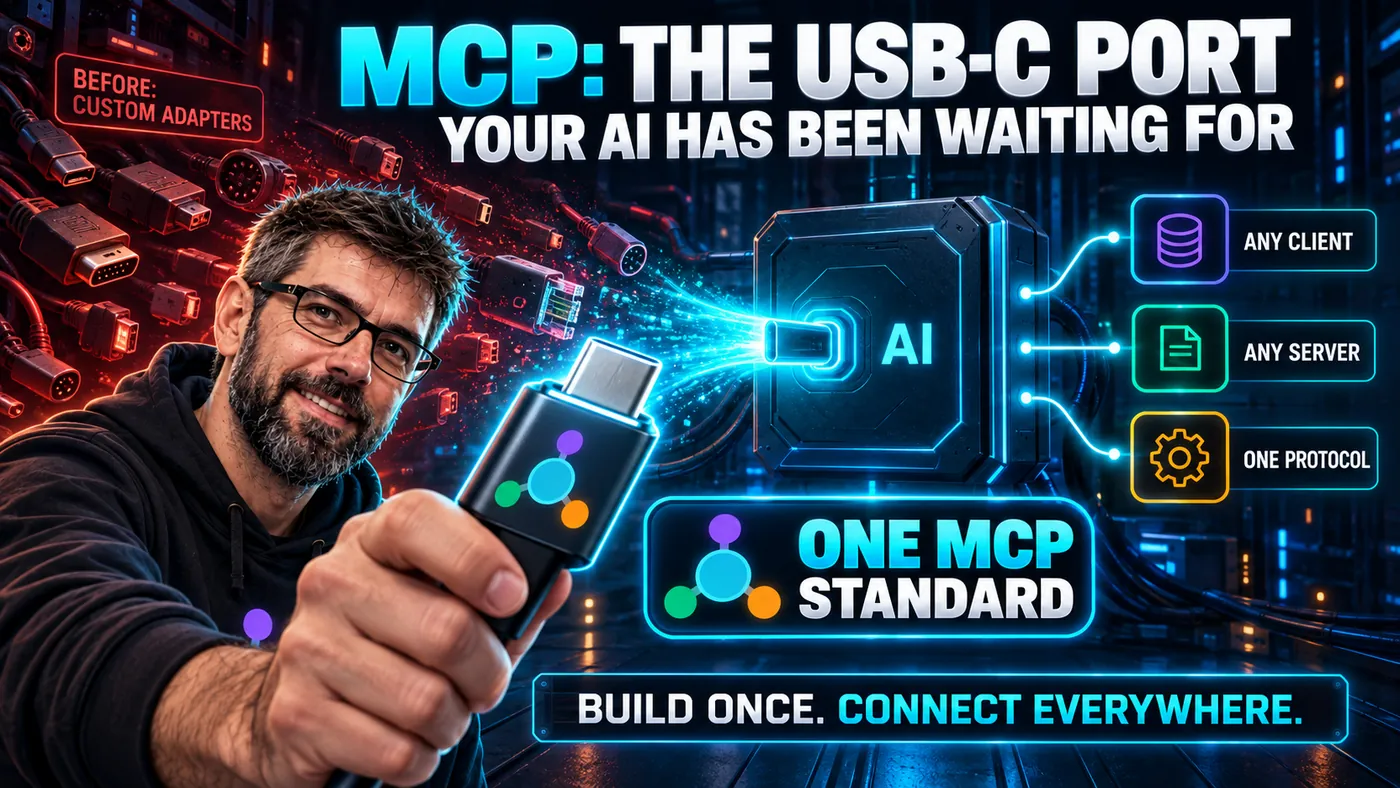
Remember 2018? Every device had a different port. Your laptop needed USB-A. Your phone needed Micro-USB or Lightning depending on the religion of its manufacturer. Your camera used Mini-USB because it was made by people who clearly hated you.
Carrying a bag of adapters was not a software problem. It was a standards problem. USB-C solved it not by being a better technology than its predecessors (it was also just a connector), but by being a common connector. One port. One cable. Every device.
The AI tool integration ecosystem looks exactly like 2018's port situation. MCP is the USB-C moment.
The comparison is the official documentation's own framing:
Think of MCP like a USB-C port for AI applications.
This post describes the 2025-11-25 specification, current when it was written. The 2026-07-28 revision rebuilt much of the plumbing. Protocol-level sessions and the initialize handshake are gone, and a server can no longer open a request to a client, since roots/list and sampling/createMessage became Multi Round-Trip Requests. Roots, Sampling and Logging are deprecated, with a minimum twelve-month window before removal. The changelog gives each change and its SEP number.
Tools, Resources and Prompts are still the three server primitives, so the three plugs below still describe what a server exposes. Their messages changed in smaller ways: resources/subscribe moved into subscriptions/listen, and list and read results now carry ttlMs and cacheScope.
The Cable Bag Problem
Before I explain MCP, let me describe what it's replacing.
If you've built any kind of AI-powered application in the last two years, you've built some version of this:
- You identified a capability the AI needed: search the database, read a file, call an API.
- You wrote the integration: a function definition in the model's API format, a handler that executes the function, a result-formatting step that feeds the output back.
- You moved to the next capability and did it again.
- Three months later, you want to use a different AI model. The function definition format is different. You rewrite everything.
- Six months later, you want to use the same capabilities in a different application. You copy-paste the code, adapt it, and maintain two versions forever.
Every integration is a custom cable. And custom cables don't interoperate.
This isn't an exotic problem. Ask any developer who's built an AI-powered product in the last two years. They've all got the cable bag.
Four applications that each need four capabilities add up to sixteen hand-written integrations:
What a Standard Actually Does
A standard is a shared contract. Both sides agree to implement it, and interoperability follows automatically.
USB-C's contract: these are the pin layouts, these are the signal specifications, this is the power delivery protocol. Every manufacturer who implements the spec creates a device that works with every other USB-C cable and device.
MCP's contract: this is how a client discovers an AI server's capabilities. This is how a tool call is structured. This is how results are returned. Every client that implements MCP can talk to every server that implements MCP.
Three words carry the rest:
- The host is the application you use: Cursor, Claude, your own product.
- The client is the part of the host that speaks MCP, one per connection.
- The server is the process that owns the database, the files or the API.
Same picture as before, rewired:
Sixteen pieces of work became eight, each written against a published specification, and the fifth application costs one arrow instead of four.
The underlying technology didn't change. Databases still query the same way. APIs still return JSON. Files still sit on filesystems. What changed is that there's now a single, agreed-upon way to connect an AI to all of it.
The Three Plugs
USB-C replaced the mess with one port. MCP replaces the mess with three concepts on the server side:
Tools, the AI does things. Creates records. Calls APIs. Sends messages. Writes files. Tools are model-invoked: the AI decides autonomously when to call a tool based on the conversation context. That does not mean unsupervised, and the specification says there SHOULD always be a human able to deny the call.
Resources, the AI reads things. Database records. File contents. API responses. Live metrics. Resources are application-invoked: the host decides what context to provide to the AI, or the user explicitly attaches resources to a conversation.
Prompts, the AI follows templates. Predefined, parameterised instruction recipes that appear in the client UI as slash commands or workflow options.
The specification draws the same line on each page:
| Primitive | Who starts it | What it carries | Where you meet it |
|---|---|---|---|
| Tools | the model | creating records, calling APIs, sending messages, writing files | the assistant reaches for one mid-conversation, and the client should let you deny the call |
| Resources | the host application, or you | database records, file contents, API responses, live metrics | a file picker, an attachment, or context the host adds on your behalf |
| Prompts | you | a predefined, parameterised instruction recipe | a slash command or a workflow option in the client UI |
Tools, Resources, and Prompts. You could argue this is overly elegant, why not just "functions"? But the three-way distinction encodes something important, and what it encodes is who initiates, more than who is allowed to write. A Tool is reached for by the model. A Resource is handed over by the host or the user. That difference is what lets an application decide which context a model sees, instead of leaving the model to go looking for it.
The read-only shape of a Resource is real, since the protocol does not define a write operation for one. It is worth taking care not to over-read it as a safety boundary, though. The content of a Resource still lands in the model's context, and text in a context window is text the model may act on:
That last arrow is prompt injection, the first entry in the OWASP Top 10 for LLM applications, and a read-only primitive carries it as well as a writable one would.
The client has three primitives of its own, covered in Six Primitives, Not Three, including the two that 2026-07-28 deprecated.
Adoption: The Real Test of a Standard
A specification document is a proposal. Adoption is the proof.
Within months of Anthropic publishing MCP on 25 November 2024, it was integrated into:
- Cursor, the AI-native code editor
- GitHub Copilot, Microsoft's AI coding assistant embedded in VS Code
- Zed, the editor built for AI-assisted development
- Continue, the open-source AI coding assistant
- Claude Desktop, Anthropic's own application
- Windsurf, Cline, LibreChat, and a growing list of agentic tools
By late 2025 the community had published MCP servers for Git providers, databases, communication tools, filesystems and browsers. The Linux Foundation put the count at more than 10,000 in December 2025, and counts like that move, so check the source. On 9 December 2025 MCP became a founding project of the Agentic AI Foundation, a vendor-neutral directed fund under the Linux Foundation.
The dates in order:
This is what successful standards look like. Not a committee. Not a consortium. A specification that solved a real problem, published openly, adopted rapidly because developers were tired of the alternative.
What This Means for You
If you're building AI applications, you have a choice:
Option A: Continue building custom integrations. Each one is tailored to your specific application and model. Each one is maintained separately. When you want to use a different AI host, you rewrite the integration layer.
Option B: Build MCP servers. Each server works with any MCP-compatible AI client. You write it once. It composes with other servers. When Cursor adds a new feature that leverages MCP, your server benefits automatically.
Option A is the cable bag. Option B is USB-C.
The economic case is clear: every hour you spend building a custom AI integration is an hour you could spend building the thing your application actually does. MCP doesn't just solve a technical problem, it saves engineering time at scale.
Not Every Cable Is USB-C Yet
A few honest caveats:
- MCP is still young, and the spec is evolving. The update box at the top lists what
2026-07-28changed. - Authentication is more settled than it was. The 2026-07-28 authorization spec requires OAuth 2.1 of the authorization server, Protected Resource Metadata (RFC 9728) of the MCP server, and Resource Indicators (RFC 8707) of the client. The optional extensions on top are where the work continues.
- Some client implementations are more complete than others. The Java ecosystem is behind TypeScript and Python in community servers, though the official SDK is solid.
And USB-C took years to fully displace its predecessors. Some devices still ship with Micro-USB. Some cables are USB-C in shape but not in capability. Standards win gradually, then suddenly.
MCP is in the "gradually" phase. But the trajectory is clear.
Get Started
If you want to understand MCP before you implement it, the MCP Fundamentals course covers the theory from first principles, no code required.
If you want to build in Java, the Java SDK course takes you from environment setup to a production-ready HTTP server.
One standard. All the tools. No more cable bags.
Further Reading
- What is the Model Context Protocol (MCP)?: the official starting page, with the general architecture and the quickstarts this post leaves out.
- MCP specification 2026-07-28: Tools: the normative rules behind "model-invoked", including the warning that a person should be able to deny a tool call.
- MCP specification 2026-07-28: Resources: every method the protocol defines for a resource, which is where the read-only shape comes from.
- MCP specification 2026-07-28: Prompts: why prompts are user-controlled, with the slash-command example this post mentions.
- Key Changes in the 2026-07-28 specification: what the protocol dropped and added after this post was written, from sessions to the
initializehandshake. - Feature lifecycle and deprecation policy: the Active, Deprecated and Removed states and the minimum twelve-month window, which is how you judge whether a feature is safe to adopt today.
- Use MCP servers in VS Code: how one of the clients named above actually wires an MCP server up, if you want to try it this afternoon.
- Java MCP SDK documentation: the official Java SDK, for anyone taking the Java course link above.
Sources
- Introducing the Model Context Protocol: the 25 November 2024 publication date, and Zed as a named early adopter.
- Visual Studio Code March 2025 release notes, version 1.99: MCP server support in agent mode, four months after the announcement, which is what "within months" rests on.
- Linux Foundation announces the formation of the Agentic AI Foundation: the "more than 10,000 published MCP servers" figure of December 2025.
- MCP joins the Agentic AI Foundation: MCP as a founding project of the AAIF on 9 December 2025, the AAIF as a directed fund under the Linux Foundation, and
gooseandAGENTS.mdas the other two founding projects. - Key Changes in the 2026-07-28 specification: every change listed in the update box, with SEP-2567 for sessions, SEP-2575 for the handshake, SEP-2322 for Multi Round-Trip Requests, SEP-2577 for the deprecations, and SEP-2596 for the twelve-month window.
- MCP specification 2026-07-28: Tools: tools are model-controlled, and the specification asks for a human able to deny an invocation.
- MCP specification 2026-07-28: Resources: resources are application-driven, and
resources/list,resources/readandresources/templates/listare the only ways to reach a resource, all three of them reads. - MCP specification 2026-07-28: Prompts: prompts are user-controlled and are typically triggered as slash commands.
- MCP specification 2026-07-28: Authorization: the OAuth 2.1, RFC 9728 and RFC 8707 requirements behind the caveat above.
- OWASP LLM01: Prompt Injection: the name for text that arrives in a context window and that the model may act on.
- What is the Model Context Protocol (MCP)?: the USB-C comparison as the official documentation's own framing.